Newsletter Checklist Workflow: Plan, Write, QA, Send
What a “newsletter-ready” workflow looks like
A reliable newsletter doesn’t happen because inspiration shows up on schedule. It happens because the work is organized into repeatable decisions—so every issue has a clear point, a clear next step, and a consistent level of quality even during busy weeks.
- Define the purpose for this issue: educate, convert, retain, or re-engage. One primary goal keeps the draft focused.
- Choose one primary message and one call to action (CTA): competing priorities dilute clicks and clarity.
- Keep the scope cadence-friendly: one theme, three supporting points, one next step readers can take immediately.
- Decide the format: curated links, original essay, roundup, product update, or Q&A—then match your layout to the format.
- Build a pre-send routine: a short, repeatable quality pass prevents small mistakes from turning into big credibility hits.
The ultimate editable checklist: from content plan to send-day
Use the stages below as a living checklist you can copy into a doc, project board, or notes app. The goal isn’t to add bureaucracy—it’s to remove guesswork and last-minute scrambling.
1) Strategy setup
- Confirm the audience segment (new subscribers, customers, lapsed buyers, VIPs).
- Pick one goal and one CTA.
- Set one metric to track (click rate, replies, conversions, or reactivation).
2) Content plan
- Choose a hook angle (problem, mistake, quick win, or contrarian take).
- Draft a working headline/subject concept.
- List 3–5 takeaway bullets.
- Add proof: a mini case, data point, screenshot-worthy example, or customer quote.
3) Drafting
- Write the opening line first (earn attention), then body blocks (deliver value), then CTA (direct next step).
- Keep paragraphs short and skimmable for mobile reading.
- Use simple structure: headline → context → steps → CTA.
4) Editing
- Remove filler and tighten sentences.
- Verify claims, numbers, dates, and pricing.
- Standardize terminology and keep the voice consistent with your prior sends.
5) Design & layout
- Format mobile-first: short lines, clear spacing, and obvious tap targets.
- Use hierarchy: one main headline, scannable subheads, and bullets.
- Ensure accessible contrast and readable font sizing.
6) Compliance & deliverability
- Use permission-based lists and honor opt-outs.
- Include a visible unsubscribe link and sender identity/address.
- Avoid misleading subject lines and overly aggressive formatting.
7) Final QA + scheduling
- Test links and buttons; preview on multiple devices.
- Confirm personalization fields (first name, last purchase, etc.) render correctly.
- Double-check the segment and send time before scheduling.
8) Post-send loop
- Review results and write down what you’ll repeat next time.
- Save reusable winners: subject lines, CTAs, and high-performing sections.
Checklist-driven quality control (the part most senders skip)
Most newsletter mistakes aren’t creative failures—they’re preventable misses: broken links, unclear CTAs, awkward personalization, inconsistent tone, or compliance details left out. A simple validation pass at each stage keeps the process steady.
| Stage | Primary output | Quality checks | Common pitfalls |
|---|---|---|---|
| Plan | Single issue goal + outline | One message, one CTA, clear audience | Trying to cover too many topics |
| Draft | Full copy + subject line options | Strong first line, scannable structure | Long paragraphs, weak hook |
| Edit | Tightened, on-brand version | Tone consistency, accuracy, redundancy removal | Over-editing into blandness |
| Build | Formatted email in ESP | Mobile preview, link tests, personalization fields | Broken links, awkward spacing |
| Send | Scheduled or published email | Segment selection, timing, compliance footer | Wrong list, missing unsubscribe/address |
| Review | Performance notes + next actions | Subject line learnings, CTA performance, content resonance | Not documenting what worked |
- Clarity check: the first screen explains the value and the next step.
- Skimmability check: headings, bullets, and short paragraphs read cleanly on mobile.
- Consistency check: voice, tense, capitalization, and formatting match your norms.
- Proof check: names, dates, pricing, and URLs are correct; remove placeholders.
- Accessibility check: descriptive link text, adequate contrast, and legible sizing.
- Spam-risk check: avoid excessive punctuation, link-heavy layouts, and misleading subject lines.
- Legal check: unsubscribe, sender identity, and address requirements are present.
Use AI to speed up ideation without losing originality
AI is most useful when it accelerates the “blank page” moments and multiplies options—without taking over your voice. Treat it like a fast brainstorming partner, then apply a human pass for specifics and accuracy.
Make the workflow reusable with an editable template
Who benefits most from a newsletter checklist system
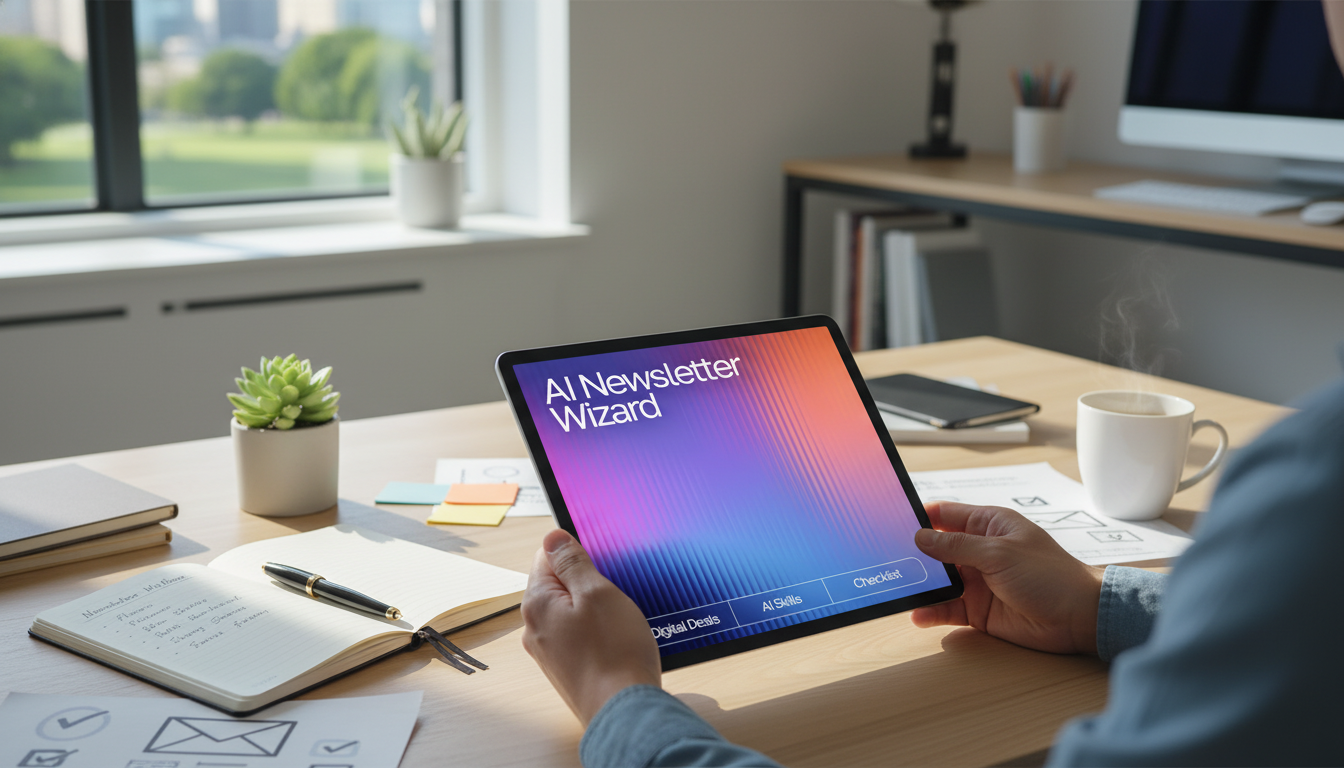
Digital download spotlight: AI Newsletter Wizard
- AI Newsletter Wizard – Ultimate Editable Checklist for Email Creators streamlines planning, drafting, editing, QA, and post-send review in one reusable flow.
- For creators who want tighter consistency across issues, pair it with AI Tips to Elevate Your Writing Voice – Editable Writing Tone Checklist to keep language, rhythm, and tone aligned as you scale output.
For additional best practices on compliance, performance expectations, and testing, reference the FTC’s CAN-SPAM Act Compliance Guide, Mailchimp’s email marketing benchmarks, and Litmus email resources.
FAQ
What is included in the AI Newsletter Wizard download?
It includes an editable checklist-style workflow covering planning, drafting, editing, QA, send-day steps, and post-send review, plus AI-assisted support for generating ideas, structure, and subject line options.
Will this work with any email platform?
Yes. The checklist is platform-agnostic and can be used before you build and schedule the email inside your preferred email service provider.
How can AI help without making newsletters sound generic?
Use AI to generate variations and organize your thinking, then add specific examples, real details, and a final human edit to ensure the tone and language match your brand.














Leave a comment