Clutter Control Toolkit: 7-Day Reset That Actually Sticks
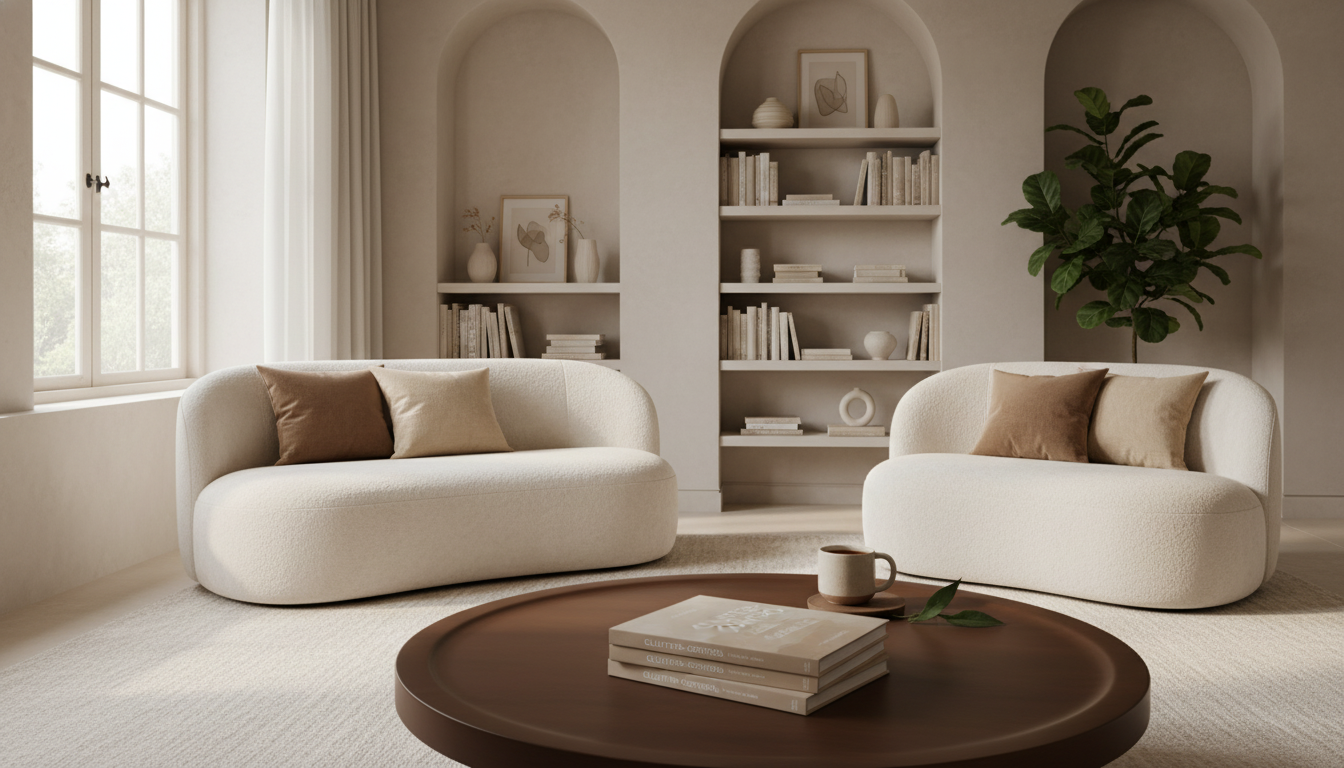
A home can look messy for dozens of reasons, but most clutter comes from a few repeatable patterns: too much coming in, unclear homes for items, and routines that never stick. The good news: clutter control doesn’t require perfection or a full-house makeover. It works best as a practical system you can repeat—especially with busy schedules, shared households, and limited storage.
Below is a toolkit-style approach for resetting key spaces quickly and preventing the rebound, using short sessions and simple “rules of the road” that reduce daily friction.
What “real-life” clutter control looks like
“Real-life tidy” isn’t a showroom. It’s a livable baseline: clear surfaces where you actually use them, easy-to-find essentials, and storage that supports daily habits instead of fighting them.
- Set a baseline that’s easy to maintain: clear counters and tables, a usable floor path, and no mystery piles.
- Target repeat offenders first: the entryway, kitchen counters, paper piles, laundry zones, and the “where does this go?” chair.
- Work in short, repeatable sessions: 10–30 minutes is long enough to create visible progress without burning out.
- Reduce friction: fewer steps to put things away, fewer decisions per day, and fewer duplicates competing for space.
When clutter control matches how life actually runs, it becomes a default—not an occasional rescue mission.
The clutter cycle: why it comes back
Most homes don’t “get messy” because people don’t care. Clutter rebounds when the system can’t keep up with real life.
- Influx without a gate: shopping, hand-me-downs, mail, and “just in case” items arrive faster than they exit.
- No assigned homes: items that live “everywhere” end up living “anywhere,” especially on flat surfaces.
- Overstuffed storage: if drawers and closets are packed, putting things away becomes harder than leaving them out.
- Delayed decisions: “deal with it later” piles become permanent because they require multiple choices at once.
- Mismatched categories: storing by room when you use items across rooms (or vice versa) creates constant relocation.
If clutter has been stressing you out, it’s not “just stuff.” Chronic stress can affect focus and energy—resources you need to maintain a home system. Helpful background on stress is available from the American Psychological Association and the Mayo Clinic.
The toolkit method: four decisions that prevent overwhelm
Instead of trying to “organize everything,” use four quick decisions that move items to the right outcome without spiraling into big projects.
Decision 1 — Keep
Confirm the item earns space by being used, loved, or genuinely needed. If it’s just taking up room “for someday,” it’s a candidate to exit.
Decision 2 — Home
Assign one primary location that matches where it’s used. The closest convenient spot wins—because convenience is what gets followed.
Decision 3 — Container
Pick a boundary (bin, drawer, shelf segment) that limits volume. When the container is full, something has to leave before more comes in.
Decision 4 — Routine
Attach a simple habit to an existing trigger: after dinner, before bed, leaving the house, or starting the dishwasher.
One-touch handling: when something is picked up, it goes directly to its home or exits—no intermediate piles. This single rule removes the “temporary” stacks that turn permanent.
A 7-day reset plan for the highest-impact spaces
This plan focuses on the zones that create the most visual clutter (and the most daily friction). Keep sessions short; stop at a clean “pause point” so you don’t dread returning.
If you want professional organizing standards and approaches, the National Association of Productivity & Organizing Professionals (NAPO) is a useful resource hub.
What’s inside a clutter-control toolkit (and how to use it)
Toolkit components and best-use scenarios
| Toolkit element | Best for | Quick setup |
|---|---|---|
| Relocate basket | Fast room resets without creating new piles | Keep it in a central spot; empty it daily |
| Donate bag/box | Reducing overflow in closets and drawers | Store near the exit; schedule weekly drop-off |
| Act/File/Recycle paper set | Mail, school papers, bills, and forms | Place by the entry; sort immediately |
| Container boundaries (bins/dividers) | Stopping categories from expanding | Assign one container per category and label it |
| Timer + checklist | Staying on-task and avoiding fatigue | Set 15 minutes; stop when the timer ends |
Recommended tools you can use right away
- Clutter-Control Toolkit for Real Life: Declutter Your Home, Stop Clutter from Coming Back — A structured, repeatable approach for sorting, assigning homes, and building maintenance habits that last.
- AI Newsletter Wizard – Ultimate Editable Checklist for Email Creators — An editable checklist format that can be repurposed as a weekly home reset checklist (paper flow, entryway reset, and quick audits) so nothing relies on memory.
Maintenance that takes minutes: daily, weekly, monthly
Common roadblocks and simple fixes
FAQ
How long does it take to declutter a home without it taking over the whole weekend?
With 10–30 minute sessions, many homes see noticeable results in 7 days by focusing on high-traffic zones first (entry, counters, paper, laundry). The key is consistency—short sessions that happen often beat occasional marathon cleanouts.
What’s the best way to stop clutter from coming back after a big cleanout?
Limit what comes in, assign a clear “home” for each category near where it’s used, and use container boundaries so categories can’t expand endlessly. Pair that with a daily 5–10 minute reset and a weekly paper/entryway check.
What should be done with items that don’t have a clear home yet?
Use a relocate basket for quick resets and an “Unsure” box with a deadline so undecided items don’t become permanent clutter. If the container fills up, decide what to donate before keeping more.
















Leave a comment